Export a website table or list to Excel or CSV in Firefox
Copying a table or a list of search results from a web page into a spreadsheet usually goes wrong. Pasting puts everything in one column, links get lost, and lists built from cards (products, jobs, directory entries) are not tables at all, so "copy table" tools do not see them.
List & Table Scraper is a Firefox add-on that finds the repeated data on the page for you and exports it. It is free to install and use. An optional Pro license is for long multi-page runs.
How it works
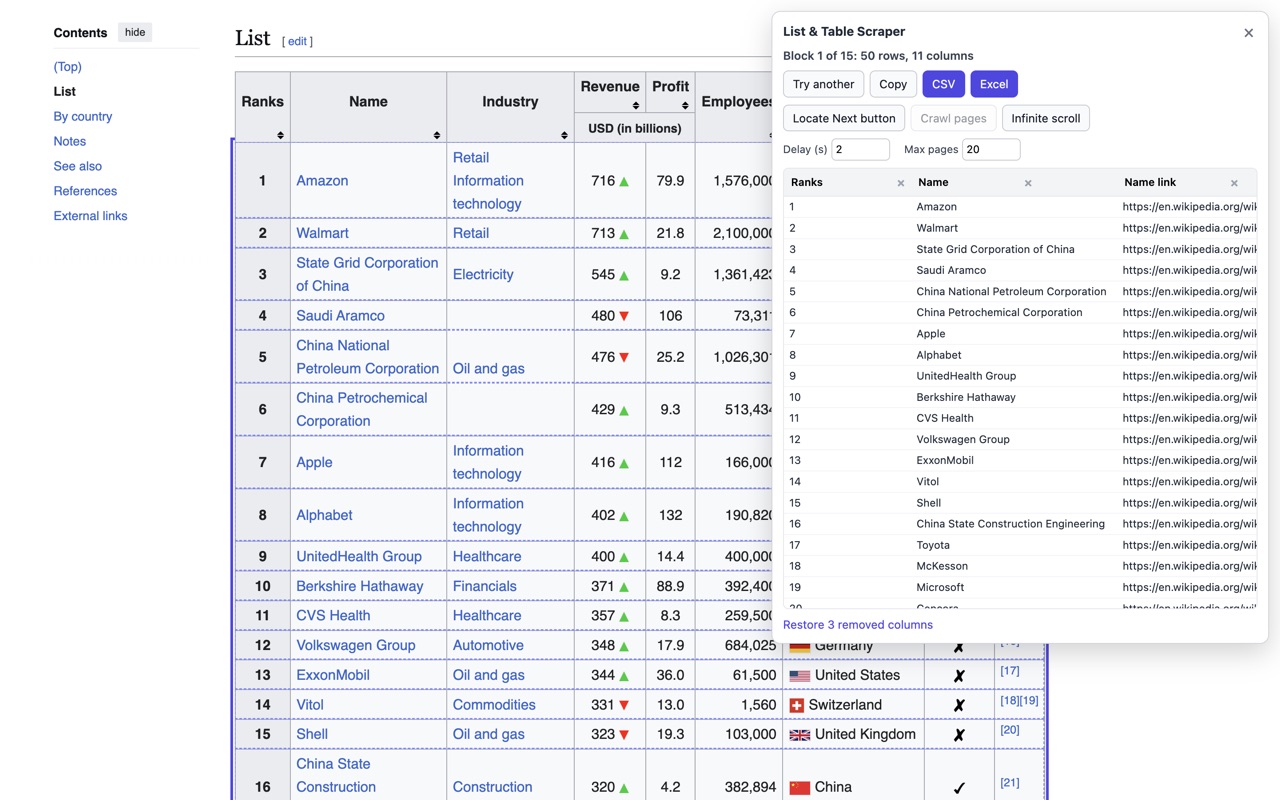
- Open the page with the list or table and click the add-on's toolbar button.
- It picks the block of repeated rows, outlines it on the page and shows a preview. Real HTML tables use their header cells as column names. If it picked the wrong block, click Try another.
- Rename a column by typing in its header, or remove it with the x.
- Click Download CSV, Excel (.xlsx) or JSON, or copy everything as tab separated text to paste into Google Sheets or Excel.
More than one page
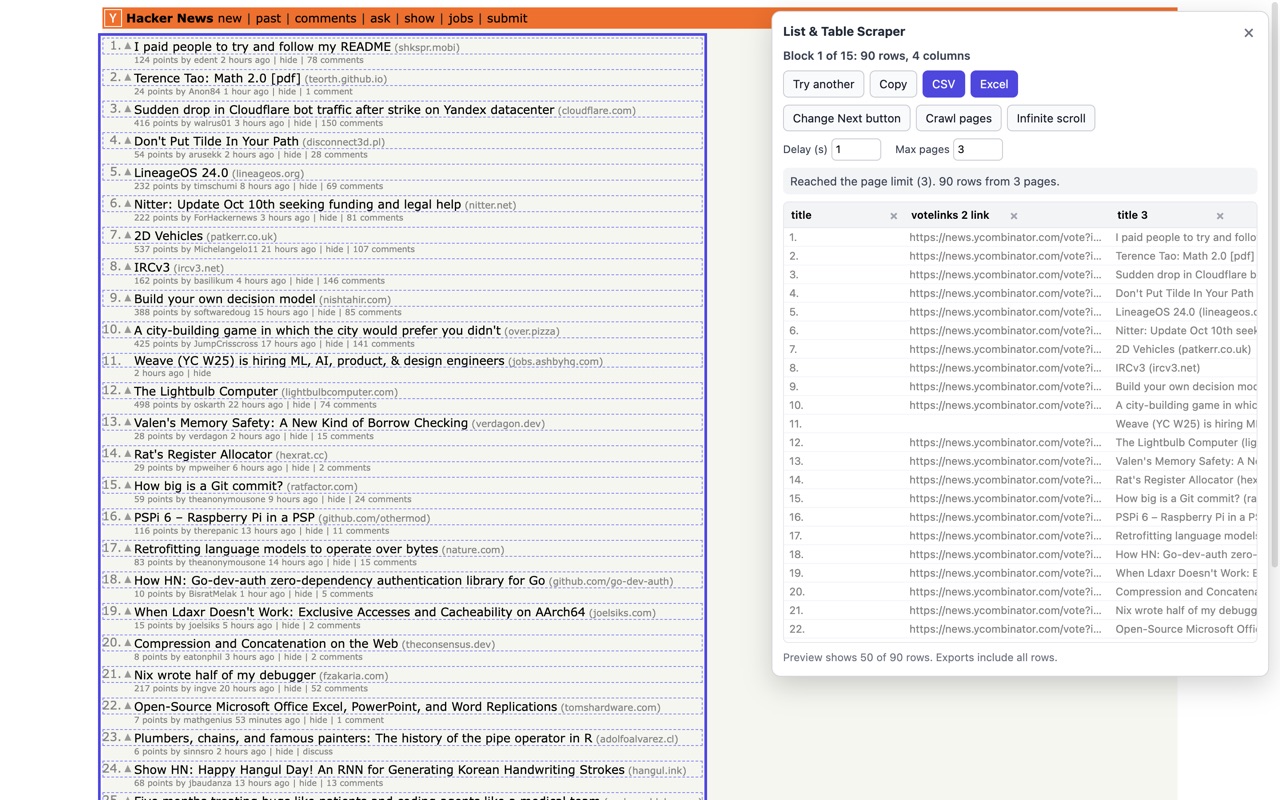
- Next buttons: click "Locate Next button", then the site's Next link. "Crawl pages" collects page after page until there is no Next, or until the page limit, with a wait of 1 to 10 seconds between pages.
- Infinite scroll: the add-on scrolls down and keeps adding rows until no new ones appear, or until the same limit is reached.
- The limit: the free version reads up to 3 pages (or 3 scroll rounds) per run. With Pro it is your "Max pages" setting, up to 500.
- Duplicate rows are dropped.
Free and Pro
Free reads up to 3 pages per run. Pro (from USD 4 a month) reads up to 500 and saves a recipe per website.
| Free | Pro | |
|---|---|---|
| Find lists and tables, preview, rename and remove columns | Yes | Yes |
| Export to CSV, Excel (.xlsx) and JSON, and copy to clipboard | Yes | Yes |
| Crawl pages and Infinite scroll | Up to 3 pages or scroll rounds per run | Up to 500 per run |
| Saved recipe per website (block, Next button, wait and page limit) | No | Yes |
| Price | USD 0 | USD 4 a month, USD 29 a year, or USD 49 once |
Exports stay free. You only see the Pro prompt when a run stops at the free limit or when you click "Save recipe". One license activates one browser. Payment and licensing are handled by Freemius.
After you buy, open the add-on's Pro license page (from the panel's "I have a key" link or the add-on's options), paste your key and click Activate.
Things people use it for
- Search results and product grids for price checks
- Job boards and directory listings
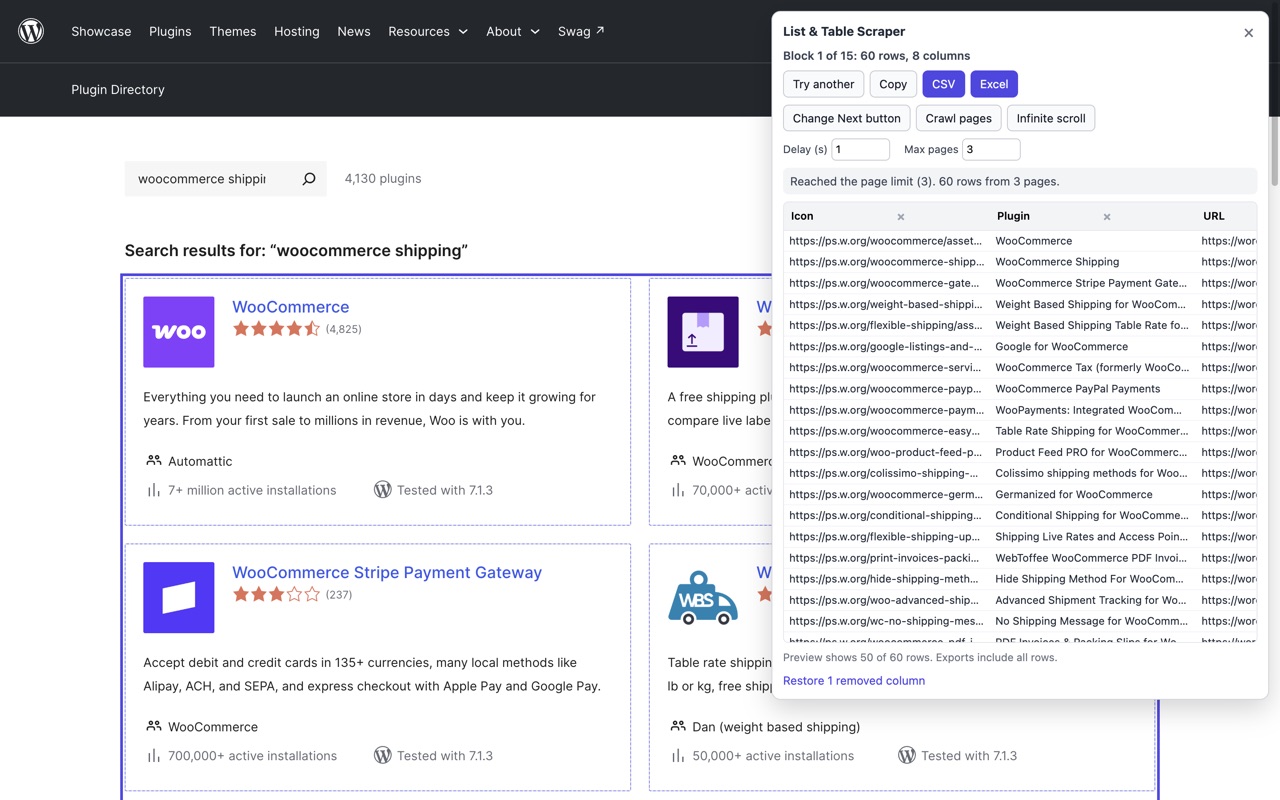
- Forum threads and plugin or app store listings
- Wikipedia and other HTML tables
Privacy and limits
- The free version needs no account and no sign up. There is no tracking. The add-on has no server: scraped data stays in your browser until you download or copy it. It only reads a page after you click its button on that tab.
- Pro only: when you activate or re-check a license key, the add-on sends the key, a random install ID, the browser and operating system name and the add-on version to Freemius, our payment and licensing provider. Nothing about the pages you visit or scrape is sent. Full privacy policy.
- It reads what the page has loaded. If a site builds its list with JavaScript after a link-based Next, the background load may not find the list, and the panel tells you when that happens.
- Browser pages (about: pages, the add-on store) cannot be scraped. Please respect each website's terms of use.
Need the same data on a schedule or from thousands of pages? Our data scrapers on Apify run in the cloud.